
Kiki Bet login: the ways to sign in overview
| Method | Platform | Requirement |
|---|---|---|
| Email/Password | Desktop & Mobile | Registered Email + Password |
| Biometric Login | Android app, iPhone web app | Fingerprint or Face ID switched on |
| PIN Code | Android app, iPhone web app | PIN set up in profile settings |
| SMS Code | Any new device | Code sent to your registered mobile |
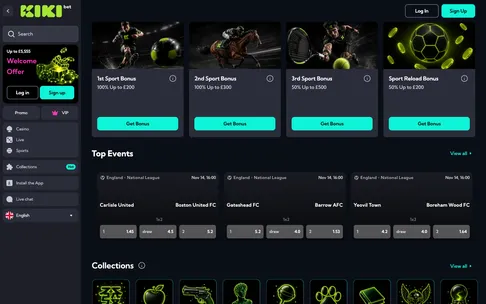
Getting your day started at KikiBet is designed to mirror the pace of a real matchday, where every second counts and efficiency is key. Whether you are grabbing your morning coffee and checking your football coupon before the 12:30 kick-off, or settling in for an evening of live casino excitement, accessing your KikiBet account needs to be instant. The sign-in process is structured to get you into the action without unnecessary friction, offering multiple entry points depending on your device and preference. On desktop, you simply use your registered email and password. If you are mobile-first, the app experience allows for biometric logins like fingerprint or Face ID, effectively cutting the sign-in time to a mere second. When you switch devices or log in from a new location, the system employs a two-step verification method using your registered mobile number to ensure that your KikiBet account remains exclusively yours. Your credentials are the gateway to your personal dashboard, holding your sports bets, active casino bonuses, and cash balances in one secure location. By ensuring your login credentials are saved securely or using the biometric features of the app, you keep the flow of your betting session uninterrupted from start to finish.