KikiBet logo
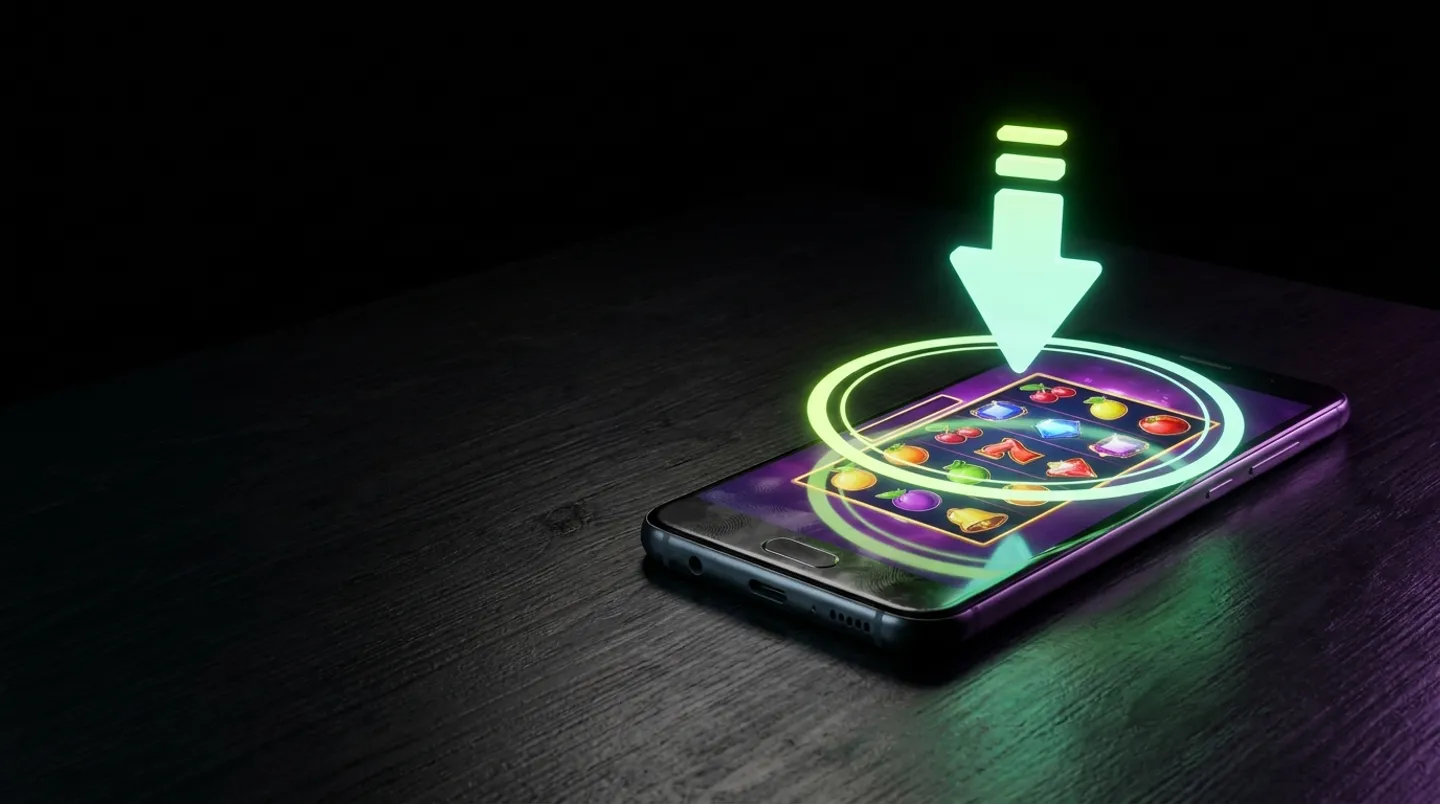
Android smartphone on dark desk with glowing lime green download arrow and circular progress ring above a colorful slot game

KikiBet App: the mobile app explained

Updated: 11 November 2026

KikiBet APK: install at a glance

DeviceHow to installSizeLogin
AndroidDownload APK from site~40 MBPIN or biometrics
iPhoneSafari > Share > Add to HomeWeb AppPIN or biometrics

Getting set up for a matchday starts the moment you wake up. You want the KikiBet mobile experience ready to go before the early kick-off or the morning coupon release. Whether you are on Android or an iPhone, the goal is simple: getting the platform onto your device so you can track your bets without searching for browser tabs. The Android device requires a manual download of the APK file, which clocks in at approximately 40 MB. This is a compact file that does not hog your storage space, leaving plenty of room for your other apps. Once you have the KikiBet app icon on your home screen, you are looking at a system that allows for rapid-fire access to your account. For the iPhone user, the process is slightly different because it is a web app, meaning there is no bulky download. You visit the site via Safari, hit the share button, and add it to your home screen. It mimics a native app closely, offering the same interface you would expect from a dedicated installation.

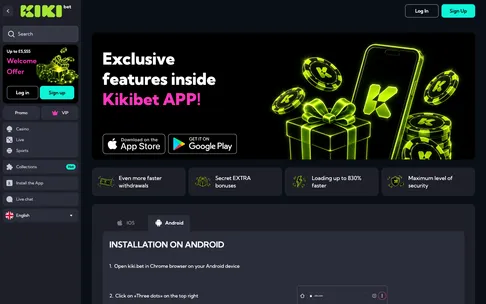
KikiBet app page with the download options. On Android the app installs as an APK from the site.

KikiBet app page with App Store and Google Play buttons and Android installation steps

KikiBet app: fixing app problems

Even the best technology encounters hiccups, and knowing how to troubleshoot your KikiBet mobile setup is vital for a smooth matchday. If you are preparing for a massive evening of Champions League action and the app suddenly refuses to load the live markets, do not panic. Most issues are minor and can be sorted in a few minutes. First, if you are using the Android APK, check if there is an update available. The platform pushes updates to ensure you have the latest features, and running an outdated version can cause login loops or connection errors. Simply re-download the APK from the site to ensure you are on the newest version. If that does not work, clearing your cache is the next step. Browsers and apps often store temporary files that can get corrupted; clearing these can fix a screen that feels frozen or a live match graphic that will not update properly.

KikiBet mobile: Android APK install

Installing the KikiBet APK on your Android device is a straightforward process that takes just a few minutes. Because it is not in the Google Play Store, you download the installation file directly from the site. First, ensure your device settings allow for installations from unknown sources, which is a standard step for any APK file downloaded outside of the primary store. Once you download the file, which is roughly 40 MB, tap to run it. The installation wizard will guide you through the rest. Once installed, you will find the icon on your home screen. When you open it for the first time, you will set up your login method, which can be a PIN or even biometric authentication like a fingerprint scan. This is a big help for speed. If you have been betting for years, you know that the difference between getting a bet on at 1.90 and seeing it drop to 1.75 is often just a few seconds. With biometric login, you can open the app and be ready to wager in a couple of seconds.

We take our testing seriously, and while we explore all features in our KikiBet review, it is clear that the mobile experience is designed for the high-pressure environment of live betting. Once you are in, the interface is optimised. The sportsbook is the primary focus. You can swipe through sports, check your bet slip, and view your open positions without clutter. If you are a casino player, the shift to slots is just as smooth. The 5,000+ games are categorised, allowing you to find your favourite titles in seconds. The APK also manages your push notifications. You can opt in to receive alerts about the Friday Reload bonus or significant price boosts, which is useful when you are on the move. By keeping the APK updated through the app itself, you ensure that you are always accessing the fastest version of the platform. It is a robust, lightweight solution that handles the heavy lifting of real-time odds updates and live casino streaming without draining your battery unnecessarily. For the serious bettor, having this installed means you are never tied to a desktop, giving you the freedom to move from the match to the pub without missing a single beat of the action.

iPhone users add KikiBet to the home screen through Safari > Share > Add to Home Screen.

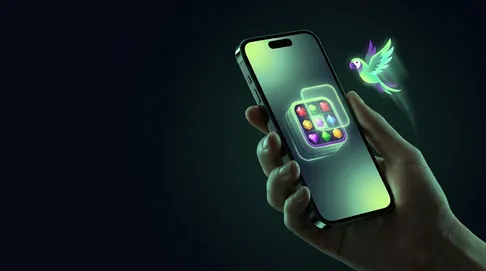
Hand holding iPhone adding a colorful casino game app to home screen, glowing green parrot of light, dark background with neo

KikiBet download: iPhone web app

For iPhone users, the experience is slightly different, yet it offers the same features as a native application. Because there is no file to download, you simply use the browser. Open Safari and head to the site. Once the page has loaded, look for the share icon at the bottom of your screen. In the menu that pops up, scroll down until you see the option “Add to Home Screen.” This creates a shortcut that sits alongside your other apps. When you tap it, the platform opens in a full-screen mode that hides the browser bars, giving you a clean, app-like environment. It does not need version updates through an app store: every time you open the web app, it loads the latest interface from the server, so you are always up to date with the newest promotions, market changes, or games.

This web app method is secure, using the encryption standards of your phone’s browser. You can still use Face ID to log in if you have your password saved, which keeps your account protected while allowing for instant access. From the home screen, you have full access to the cashier, so you can make a deposit or request a withdrawal just as you would on a laptop. If you have a winning bet and need to process a payout on a Sunday evening, the cashier is right there. The interface is responsive, meaning it detects your screen size and adjusts the buttons, text, and graphics to fit. It does not feel like a “mobile site”; it feels like a purpose-built application. Whether you are using it for casino games or sports, the experience is stable. During busy periods, such as a full evening of Premier League fixtures, the web app handles the load efficiently. It is a smart way to get the full KikiBet experience on your iPhone without sacrificing storage or waiting for long downloads. You get all the benefits of the mobile platform, including live streaming for select events and full access to the Kiki Club, all wrapped in a shortcut that is always ready when you need it.

KikiBet APK: what you can do from the icon

Once you have the KikiBet icon on your home screen, you essentially have a complete betting and casino hub in your pocket. The versatility is the main advantage. Starting with the lobby, you can navigate between the sportsbook and the casino with a single tap. If you are focusing on sports, you have the full range of markets, from Premier League match winners to darts and esports. You can build your accas, use the Bet Builder tool to combine selections, and track your bets in real time. If you see a Cash Out offer that looks good during the second half of a match, you can hit that button instantly. The app also gives you a full view of your Kiki Club status. You can check your progress toward the next level, whether you are climbing from Egg to Golden Kiki, and see exactly how much cashback you are due to receive. It turns the platform into a personal dashboard.

On the casino side, the app carries the full lobby. You have access to thousands of slots, including Megaways and Bonus Buy games. The live casino experience is particularly strong; the video feed is optimised for mobile data usage, meaning you can play roulette or blackjack with a real dealer on the train, in a café, or at home. The limits are the same as on the desktop, ranging from £0.50 to £10,000 for live tables. The cashier is also fully integrated. You can deposit using Apple Pay, Google Pay, or your debit card without ever leaving the app environment. If you need to verify your account or check on a pending withdrawal, all the upload tools are at your fingertips. You can even set up push notifications to ensure you never miss a Friday Reload bonus or an important update. By using the app icon, you remove the barrier between you and the action. You do not have to search for the site, log in, and navigate menus every time. You just tap, you are in, and you are ready to play. It is designed to be the only tool you need for your matchday, whether you are building a Saturday afternoon coupon, chasing a jackpot in the evening, or just checking the latest score from the darts.

KikiBet app: what players ask most

  • Where can I download the KikiBet app for Android?

    You get the Android kikibet app directly from the KikiBet site as an APK file of around 40 MB. Allow installs from this source in your phone settings, open the file and follow the prompts to install it safely.

  • Is there a dedicated KikiBet app available for iPhone?

    KikiBet does not have a separate iOS app in the App Store. Instead, open the KikiBet site in Safari, tap the Share button and choose Add to Home Screen to get a full-screen web app.

  • How much storage space does the mobile app require?

    The Android APK takes up approximately 40 MB of storage space on your device. The iPhone web app is only a home-screen shortcut, so it needs almost no storage at all.

  • Can I use biometric login on the mobile app?

    Yes, once the app is set up you can log in with a PIN or with biometrics. Android supports fingerprint login in the APK, and on iPhone you can use Face ID through Safari.